
SMBe across Australia continue to face higher input costs, continued fluctuating demand, and customers who expect urgent responses and seamless customer experiences.
Annual inflation was 2.1 per cent in the June quarter of 2025, with housing, food, and health costs still rising, despite a slight easing of transport costs, according to the ABS, 2025.
Sales growth slowed to 3 per cent year-over-year in the June quarter, which seems fine until wages, rent, and subscriptions arrive on the same day, Xero, 2025. Shoppers also want faster, smoother online experiences, regardless of their size Australia Post, 2025.
So, where is the good news?
The good news is simple.
Practical automation and AI agents are now easier to set up and test without hiring a developer or rebuilding your stack. This guide explains what those terms mean, shows three approachable tools, and gives you a one-week plan to ship your first workflow with a safety net.
Why 2025 is a practical time to start deploying AI agents
Current inflation is cooler than the spikes of 2022 and 2023, but it still adds friction. The CPI rose 0.7 per cent for the June quarter and 2.1 per cent over the year, with staples like housing and food contributing the most, ABS, 2025. Revenue is growing, albeit at a slower pace than last year. Xero’s June quarter data shows sales up 3 per cent year-over-year, which makes efficiency matter more than ever. Xero, 2025. Hiring is a little easier overall, with a national fill rate of 69.7% in March, although shortages still vary by role and region Jobs and Skills Australia, 2025. Customers continue to raise the bar on speed and convenience online, which means even small teams are judged against big-platform experiences Australia Post, 2025.
Shaving minutes off routine tasks and replying faster is a real edge.
That is where today’s tools help.
What automation and AI agents mean in plain English
An automation is a set of steps that runs when a trigger fires. Example: When an invoice reaches 14 days overdue, send a reminder and log it in a sheet. Then, notify the bookkeeper if there is no reply within two hours.
An AI agent is a software helper that can read context and then choose the following action based on established rules, and complete that action. Example: an email assistant that proposes meeting times, sends calendar invitations, and files notes, all from one thread Lindy Docs, 2025. For multi-step insights, a team of agents can summarise feedback, group themes, and draft a response for approval on a visual canvas Relevance AI, 2025.
If you try Lindy, for example, you will see agents that handle inbound emails, negotiate meeting times, send invites, and produce concise notes—using a no-code builder and your existing tools Lindy, 2025.
Would you prefer to start with something fixed and reliable? Activepieces is a visual automation platform, think “if this, then that” across email, spreadsheets, forms and CRMs. It has ready-made templates—right down to invoice reminders—so you can ship a first flow in minutes ActivePieces, 2025) For routine insights or multi-step tasks across a few “specialist” agents, Relevance AI offers Workforce—a drag-and-drop canvas for building multi-agent workflows (summarise feedback → highlight trends → draft a response for review). (Relevance AI)
Why now is the right time
It’s affordable to test.
All three platforms offer a free way to get started. Lindy’s pricing page lists a “Start for free” tier with an initial set of credits/tasks. Activepieces offers a free plan, and Relevance AI’s pricing confirms a free plan (no credit card required), along with clear credit explanations and security notes. It is accessible.
You do not need to write code. Lindy and Relevance AI provide guided “101” and quickstart docs; Activepieces uses a clean, visual builder with importable templates.It is where your customers already are.
Australia Post’s 2025 report highlights the growing demand for seamless, fast online experiences. They do not see the difference between your business and some corporate-backed enterprise. When a small local team can respond in seconds, not hours, it shows. (AusPost eCommerce Report)
Your peers are moving.
Global SMB research from Salesforce (6th edition, December 2024) shows that small businesses are prioritising AI for efficiency, data consistency, and time-saving—primarily where tools work together. Treat surveys with the usual caution, but the directional trend is clear. (Salesforce)
The risk of waiting? The gap widens between teams that automate repetitive tasks and those that continue to handle them manually.
Three tools that fit small teams
Lindy
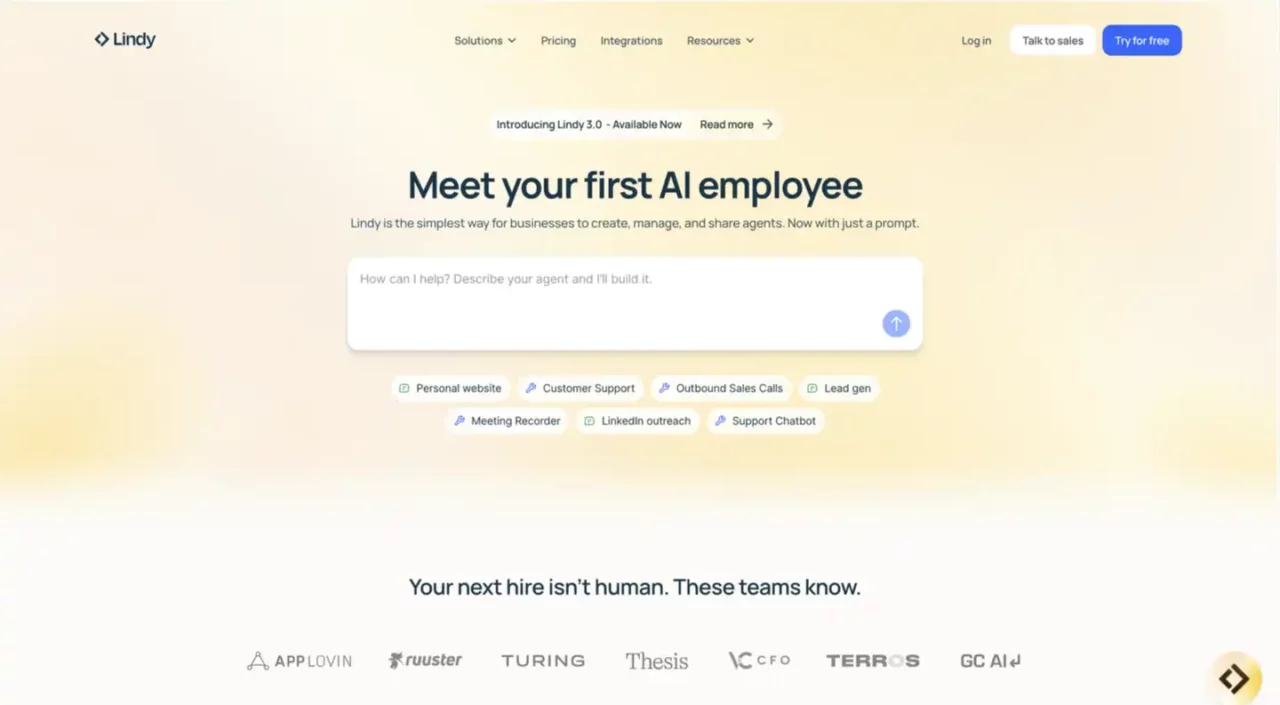
Lindy is a platform for creating and managing AI agents that work across email, calendars, and documents, with workspace controls for teams and shared billing when you scale beyond a single user.
Feature snapshot
- Agent builder: triggers, conditions and actions, with a canvas that connects to tools and data sources.
- Templates library: pre-built patterns you can install and adapt to speed up setup. S
- Integrations: connectors for email, calendars and docs, including Microsoft 365 and Google Workspace.
- Team features: invite collaborators, share edit and run access to agents, and migrate agents between workspaces on Pro plans.
- Security notes: public security page with compliance information to review before connecting sensitive systems.
Activepieces
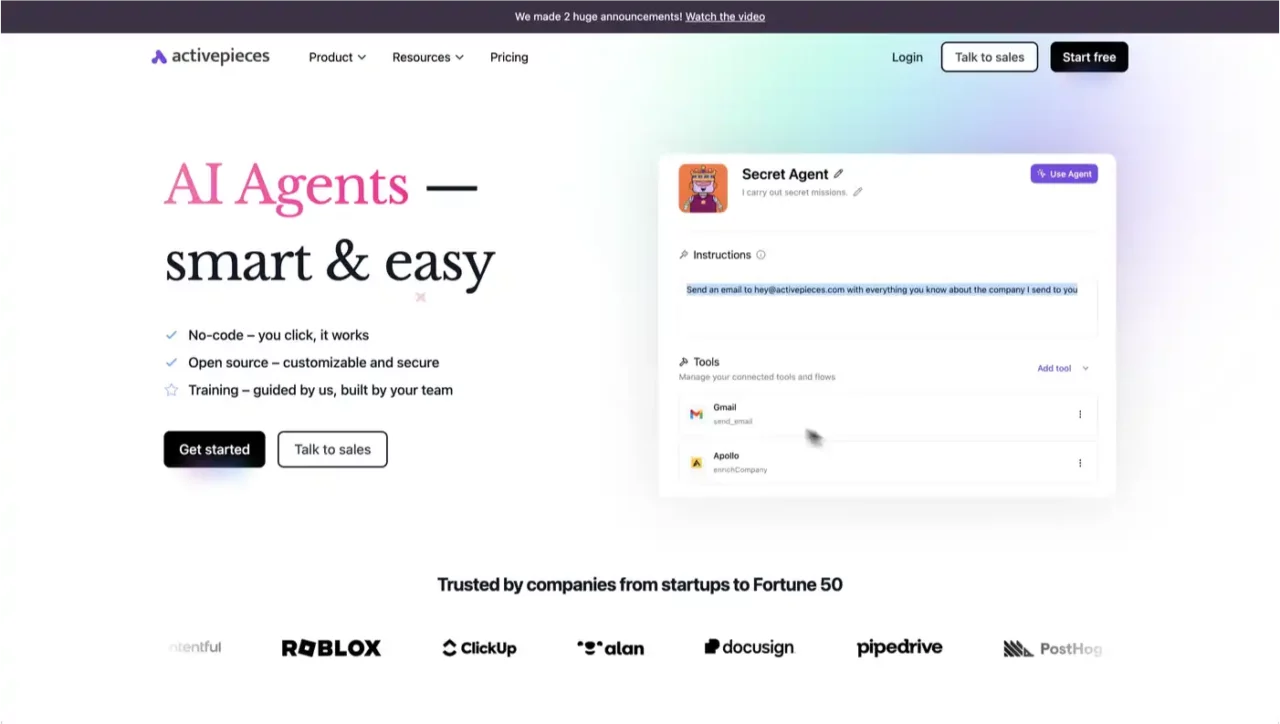
Activepieces is an open-source automation platform featuring a visual builder, a growing connector catalogue, and options for cloud or self-hosted deployment, which suits SMEs that want control over data and change management.
Feature snapshot
- Flow builder: branches, loops, retries and HTTP steps so you can orchestrate multi-step workflows without code.
- Human-in-the-loop: approvals, pauses, and human input via forms or chat to keep a person in control of customer-facing actions.
- Connectors: a catalogue covering Google Workspace, Slack, Airtable and more, plus a “pieces” framework to build your own.
- Deployment choices: cloud account for speed, or self-host with Docker, Compose or Kubernetes for data control.
- Developer surface: TypeScript pieces SDK, versioning, and a web SDK to embed connection dialogues in your app.
Relevance AI
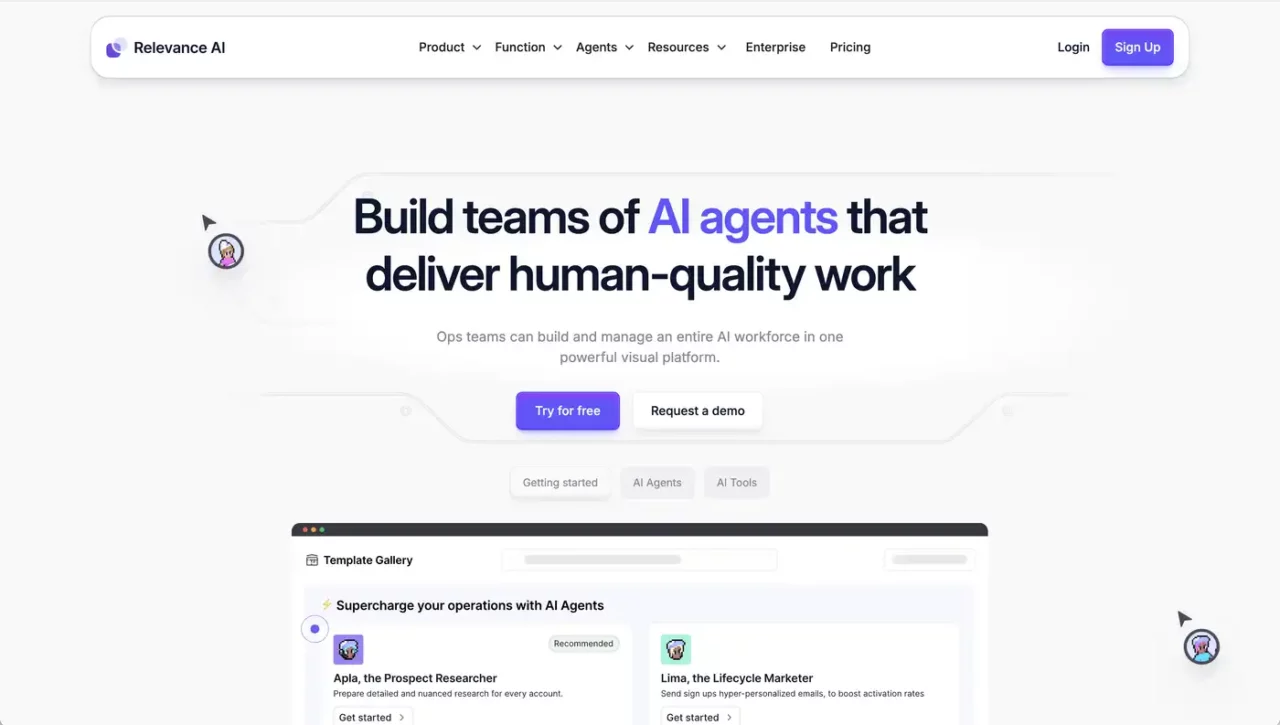
Relevance AI’s Workforce provides a visual canvas to design teams of specialised agents, connect them to tools, and supervise their work from one place. This platform requires a steeper learning curve, but it provides a more robust environment for building agents. Workforce Quick Start, 2025.
Feature snapshot
- Multi-agent design: connect agents so they can delegate and collaborate on a task.
- Approvals and escalations: Establish rules for when tasks require human review or should be delegated to a person
- Task View: Monitor timelines, decisions, tool calls, and conversation history, with filters for managing multiple concurrent tasks.

Safe one-week rollout plan
Day 1. Pick one bottleneck. Choose a task you repeat daily or weekly, such as responding to enquiries or invoice chasers. Note the current time taken and error rate.
Day 2. Match the tool to the job. Conversations and calendar go to Lindy. Data shuffling and reminders go to Activepieces. Weekly insights or multi-step analyses are sent to Relevance AI, Lindy Docs (2025 ), Activepieces Docs (2025), and Relevance AI (2025).
Day 3. Add guardrails. Put an approval step on any outbound customer email. Keep a log of runs and decisions. Limit knowledge sources to a single FAQ or documents while testing.
Day 4 to 6. Run and observe. Ship the flow, then watch the first ten runs. Fix naming, tighten triggers, adjust messages.
Day 7. Review. Compare time saved and response times with your Day 1 note. Keep what helps. Pause or tweak what does not.
A first workflow you can launch in 60 minutes
Option A. Personalised invoice reminders with review.
Replace the standard templated invoice from your account software which is all too often ignored with a personal reminder from your email account.
- Trigger: Invoice is 14 days overdue.
- Action: At the end of each week draft a AI written personalised polite email reminder and save it in your draft email folder.
- Approval (optional): A person can send each email once approved.
- Fail-safe: If the supplier or client has not replied or paid within a day, send a follow-up email to the owner.
- Automate, once you are happy the agent is operating without fault.
Option B. Enquiry triage and scheduling.
- Trigger: new enquiry email with “booking” or “meeting” in subject.
- Action: reply with three times pulled from your calendar, then add a calendar invite when accepted.
- Approval: Include an approval step in the first week for all outbound emails.
- Lindy’s scheduling assistant guides you through CC workflows and calendar actions without code.
Common objections and how to handle them
“AI is too expensive.”
All three tools offer free options to get started, allowing you to demonstrate value first. Check current limits and only upgrade once the time saved covers the fee.
“It’s only for big business.”
Modern tools are built for small teams. Lindy’s Academy provides step-by-step guides; Activepieces relies on a simple visual builder; Relevance AI’s Workforce is drag-and-drop. You can ship a first workflow in an hour.
“It replaces people.”
Treat agents as assistants. They handle the boring routine tasks, while people take care of exceptions and relationships. Many SMB leaders report using AI to reduce low-value administrative tasks rather than hiring additional staff.
“It hallucinates and makes mistakes.”
Build guardrails from day one. Activepieces supports human-in-the-loop steps like approvals and forms. Restrict agents to specific knowledge sources (e.g., your FAQ doc, not your entire drive). Each platform log runs so you can audit behaviour and improve prompts workflows.
“What about security?”
Check vendor security notes. Lindy’s pricing page highlights compliance (e.g., SOC 2), and Relevance AI’s pricing page notes SOC 2 Type II and explains how credits/usage work. Keep sensitive data out of early experiments until you’re satisfied with the controls.

Practical notes on change
- Write the ideal “happy path” and the first failure path before you go live. You’ll iron out edge cases faster.
- Name your flows clearly (“Inv-reminder-Net14-Email-Only”) so anyone can understand them at a glance later.
- Schedule a fortnightly 15-minute review to retire low-value automations and refine useful ones.
- Measure time saved with a simple before/after estimate (minutes per task × frequency). That keeps the conversation about outcomes, not novelty.
Every SMBe’s operating conditions remain tight, costs haven’t vanished, growth is mixed, and customers expect smooth service. (ABS CPI shows 2.1% annual inflation for the June quarter 2025; Xero shows sales growth slowed to 3% in the same quarter; Australia Post emphasises speed and convenience.) That’s the context where automation and AI agents make a material difference. (Australian Bureau of Statistics, Xero, AusPost eCommerce Report)
You don’t need a big rebuild.
A single AI agent for standard enquiries and meeting scheduling, a AI agent for invoice reminders, or a AI agent for weekly feedback analysis—each is enough to free up hours and lift your response times.
The tools are approachable, the free tiers make it safe to try, and the guardrails are straightforward.
If you want to map a first workflow, pick one bottleneck today and test a free plan. If you’d like a hand, get in touch and we’ll sketch a 30-minute plan you can run next week.
References
- ABS – Consumer Price Index, Australia (June quarter 2025). Key stats: +0.7% q/q, +2.1% y/y; released 30 July 2025. (Australian Bureau of Statistics)
- Xero Small Business Insights (Australia). June 2025 quarter sales growth +3.0% y/y; published 31 July 2025. (Xero)
- Australia Post – eCommerce Report 2025. Emphasis on speed, convenience and experiential shopping. (AusPost eCommerce Report)
- Jobs and Skills Australia – Occupation Shortage Report (March 2025). Fill rate 69.7%; easing overall, uneven by occupation/region. (Jobs and Skills Australia)
- Salesforce – Small & Medium Business Trends (6th ed., Dec 2024). Directional view on SMB investment in AI and integrated tooling. (Salesforce)
- Lindy – Pricing & Docs. Free tier noted; scheduling and agent how-tos. (Lindy, docs.lindy.ai)
- Activepieces – Pricing, templates, and Human-in-the-loop docs. Invoice reminder templates; approvals and forms for safe roll-outs. (Activepieces)
- Relevance AI – Pricing & Workforce docs. Free plan; visual multi-agent canvas for teams of agents. (Relevance AI)



Leave a Reply