
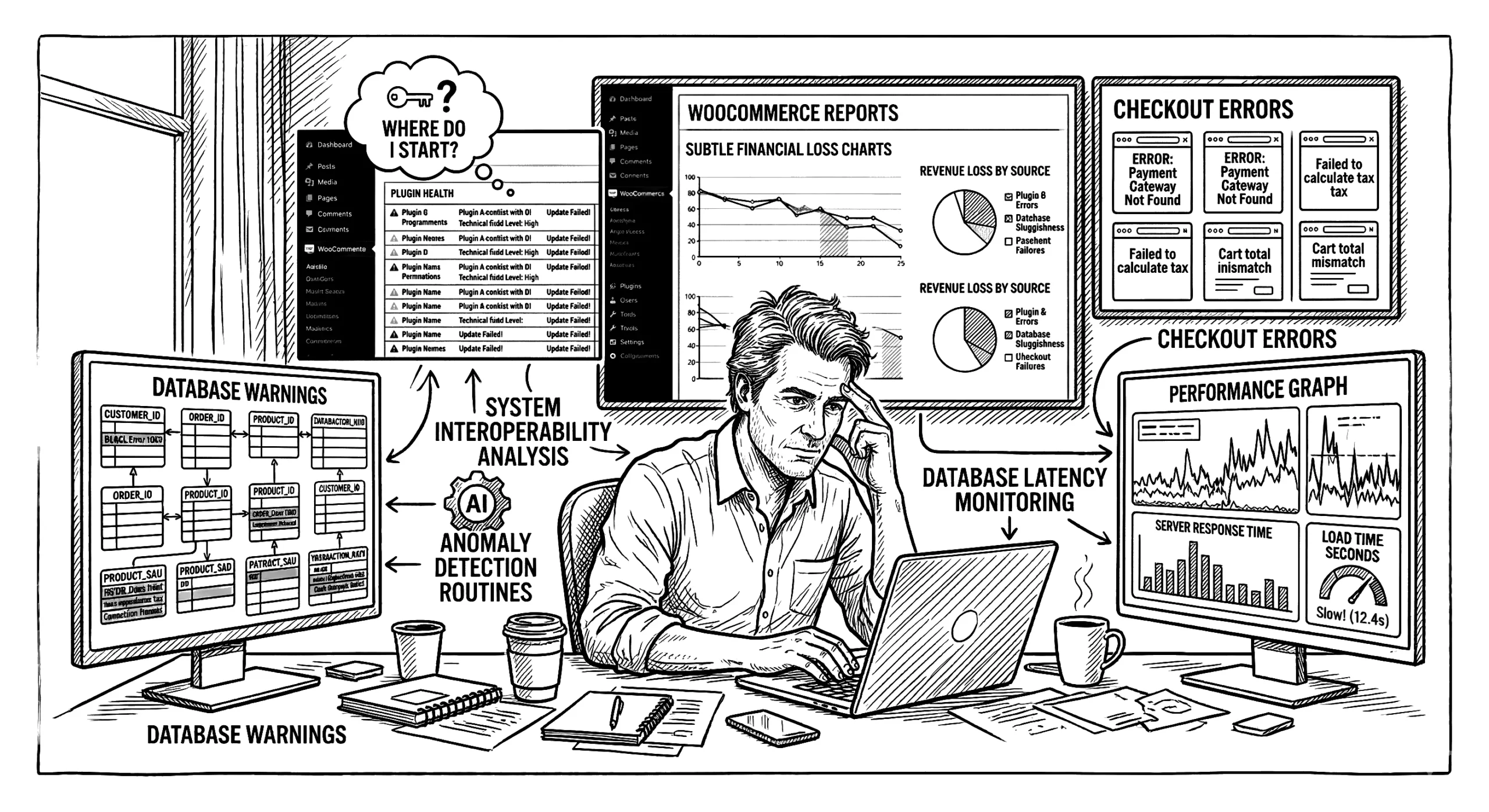
Technical debt is a measurable Profit and Loss (P&L) problem that actively consumes up to 40% of your IT budget. Right now, developers waste between 33% and 40% of their time managing legacy code and temporary fixes rather than building new features Full Scale, 2024.
This invisible burden accounts for 20% to 40% of the value of an entire technology estate McKinsey, 2023. For a WooCommerce store, this often starts as a series of quick fixes to meet immediate deadlines. You install a plugin to solve a single issue. You add custom code to patch a conflict. Over time, these shortcuts compound. They slow down your database, cause checkout errors, and increase your ongoing maintenance costs.
We use a WooCommerce Store Health Check to pinpoint these structural issues. This review gives you a clear view of your system architecture so you can recover those lost margins. To fix the problem, we first need to look at how a simple software patch turns into a long-term financial liability.
How Quick Fixes Become Structural Liabilities
Most technical debt starts as a simple, logical decision. You need a new shipping rule, so you install a plugin. This creates a cycle we call the plugin reflex. Over time, the average WooCommerce store ends up running between 20 and 35 active plugins TeamUpdraft, 2024. Each new addition solves an immediate problem but adds another layer of third-party code to your system.
Not all of this code is inherently bad. Software developer Martin Fowler maps this issue using a technical debt quadrant, which splits debt into deliberate and inadvertent categories ZenHub, 2023. Taking on deliberate, prudent debt is often a smart business move. For example, you might use a heavy, pre-built plugin to launch a minimum viable product (MVP) before a major sales event. You accept a temporary performance hit to meet a strict deadline. This gets your store online faster and captures immediate money.
The problem occurs when you leave those temporary fixes in place. That prudent short-term loan quickly becomes a reckless long-term liability. Instead of a clean store, you build a bloated dependency tree. We often see three specific signs of this liability during a health check:
- Multiple plugins performing the same basic function.
- Abandoned customisations that no longer serve the business.
- Heavy third-party scripts loading on every single page.
These overlapping scripts create a fragile environment. Every time WordPress updates, you risk a conflict that takes your checkout offline. Unmanaged dependencies can inflate future project costs by 10% to 20% because developers have to work around the mess rather than building new features. We review these dependencies to separate the strategic tools from the unnecessary bloat.
Eventually, this bloated architecture moves from the backend code directly into your database.
Database Bloat and the Invisible Performance Drain
Unmanaged plugins leave behind database bloat that can delay your server response times by 5 to 15 seconds. When you delete a plugin from your dashboard, the visual interface disappears. The underlying data, however, often stays behind. This legacy code hides deep inside your database and quietly drains your server resources.
The most common location for this hidden debt is the wp_options table. WordPress uses this table to store core settings and auto-loading data. It also holds temporary cache files known as transients. Every time a page loads, your server reads this table. Over time, expired transients and orphaned metadata from old plugins pile up. This bloat forces your system to process megabytes of useless text before it can deliver a single page, which drastically increases your Time to First Byte (TTFB) TeamUpdraft, 2024.
We often see stores carrying tens of thousands of unused rows from tools they uninstalled years ago. This extra processing weight becomes a critical failure point during high traffic. A standard single MySQL database setup might cope with quiet periods. But when your store reaches scaling thresholds of 1,000 to 5,000 orders, the system struggles.
At these traffic levels, concurrent payment gateway callbacks and inventory updates hit the database at the same time. The server locks up because it can’t write new order data while simultaneously reading through a massive, unoptimised wp_options table.
This structural problem leads to three clear outcomes:
- Your server response times increase by up to 15 seconds.
- Your database crashes during major sales events.
- You end up paying for more expensive hosting to compensate for the poor performance.
Throwing more server resources at a bloated database is only a temporary fix. We review your database tables to clear out this hidden debt and restore your standard speed. This structural strain doesn’t just frustrate your developers. It directly impacts your money at the exact moment a customer tries to pay.
The Financial Cost of Checkout Friction
A slow checkout process directly reduces your money. Many store owners see cart abandonment rates hovering around 70% and assume the issue is shipping costs or user behaviour. However, this abandonment often stems from a systems problem Performant Code, 2024. When multiple plugins load heavy scripts at the exact moment a customer clicks the payment button, the browser struggles to process the transaction. This structural friction freezes the page. The customer assumes the site is broken and leaves before the payment clears.
Technical debt at this stage has a precise financial cost. A delay of just one second in your checkout load time can reduce your conversion rates by up to 20% Anchor Points, 2024. If your store processes $10,000 a day, that single second of lag costs you $2,000 in lost sales daily. The delay usually happens because your server is busy reading through bloated database tables or executing outdated third-party code. Instead of a fast transaction, your system forces the customer to wait while it untangles competing plugin requests.
We approach checkout performance by reviewing the underlying architecture. We look for three specific issues during a checkout review:
- Third-party tracking scripts blocking the main payment gateway.
- Outdated AJAX calls that slow down cart updates.
- Legacy customisations that trigger unnecessary database queries.
You need to identify exactly which scripts are competing for resources during the payment process. We can measure this impact and isolate the conflicting code to restore your standard speed. Finding these structural faults requires more than a simple browser check. A basic frontend scan will not show you why the server is failing under load.
Why Standard Speed Tests Miss the Root Cause
Standard speed tests only show you a fraction of the problem. When your checkout freezes, running a basic Lighthouse scan might give you a score out of 100 for your frontend syntax. This score measures how fast your images and text load for a customer. It completely ignores the backend architecture where your actual transaction processing happens. A visual check tells you nothing about why the server drops the connection when a customer tries to pay.
Frontend tools cannot diagnose the underlying system faults that cause site instability. They do not have the required access to read your database or evaluate your High-Performance Order Storage (HPOS) readiness. They also cannot check the health of your action scheduler. This scheduler handles all your automated tasks (like subscription renewals and email receipts). To measure these critical areas, we need to bypass the browser and connect directly to your system using REST API credentials.
We approach this by using automated review agents to read your server data directly. By integrating with your REST API, we can run a 10-category deep scan of your setup. This process parses your entire dependency tree to find exactly which plugins are holding up your server. A Lighthouse scan might measure 100% of your visual rendering, but it misses the 80% of server-side processing that actually handles the money.
A deep health check gives us the data we need to fix the root cause and increase your checkout stability. We focus on three backend areas during this review:
- Action scheduler bottlenecks that delay order processing.
- HPOS compatibility issues across your active plugins.
- REST API response times during simulated checkouts.
Once we isolate these backend faults, we can start clearing the bloated code.
Our Process for Removing Technical Debt
We remove technical debt by restructuring your code in controlled stages. This protects your uptime while restoring your standard site speed.
You do not need to pause your business to fix these backend faults. We suggest dedicating 15% to 20% of your ongoing development capacity specifically to debt reduction Full Scale, 2024. This steady approach lets you clear legacy code without delaying new features or risking major downtime.
Our refactoring process follows three clear steps:
- Review and consolidate: We check your active plugins and merge overlapping tools to reduce your total dependency count.
- Clear the database: We remove orphaned metadata and expired transients to decrease your server load.
- Implement object caching: We set up advanced caching (like Redis) to store common database queries directly in your server memory.
This caching step is critical for your money. It allows your store to bypass heavy PHP processing for repeat visitors. Instead of asking the database for the same product price 100 times a minute, the server delivers the saved result instantly.
Once we restore your standard performance, you need a system to keep the bloat from returning.
Conclusion
Technical debt actively drains up to 40% of your technology estate value. A one-off code cleanup is a helpful start. However, without continuous auditing, temporary patches will quickly turn back into structural liabilities. You need a regular review process to protect your ongoing development budget and keep your checkout fast.
We can run a comprehensive WooCommerce Store Health Check to map your current architecture and isolate the legacy code slowing down your database. This gives you the exact data you need so you aren’t guessing about your ongoing maintenance.
Next steps:
- Schedule a brief call to confirm your current setup and traffic levels.
- We connect to your system and run a 10-category deep scan.
- We provide a clear list of options to remove conflicting scripts and increase your site speed.
Would you like me to schedule a health check for your store this week?



Leave a Reply